
By Karl Gavin Besa | March 3, 2026
Being essentials for our work and personal life, laptops and personal computers have become a staple in our daily use. While it is made to be durable and heavy duty, cleaning and maintaining it will extend its product life, ensuring quality performance and a longer life span.
What are the Benefits?
1. Enhanced Performance
Regular maintenance can significantly improve the performance of your device. Over time, they can accumulate unnecessary files and apps that can slow them down. By regularly cleaning and optimising them you can enjoy faster boot times, app launches, and better performance.
2. Extended Lifespan
Regular maintenance can extend the lifespan of your laptop or PC. Dust buildup, overheating, and wear and tear on components (like screens) can lead to hardware failures and costly repairs. Regular cleaning, temperature monitoring, and hardware updates can help prevent these issues, allowing your device to serve you for a longer time.
3. Data Security
Maintaining your laptop or PC is crucial for data security as regularly updating your operating system and software ensures that you have the latest security patches, protecting your device from opportunities that hackers might exploit. Additionally, keeping backups of your important data safeguards against data loss in case of hardware failures or malware attacks.
4. Optimal Battery Health
For laptop users, maintaining the battery’s health is essential as we all know over time they can need charging more regularly. Over time, laptop batteries degrade, resulting in reduced capacity and shorter battery life. Proper battery maintenance and keeping the battery between 20% and 80% charge, can help extend its lifespan and overall usage time.
5. Preventing Overheating
Laptops and PCs can generate a significant amount of heat during operation. Dust build up inside the device or improper cooling can lead to overheating, which can cause hardware damage and limit its performance. Regularly cleaning the vents and fans and ensuring proper ventilation can prevent overheating issues.
6. Smooth Software Operation
Outdated software can lead to crashes, errors, and bad performance of your laptop or PC. Regularly updating your operating system, drivers, and applications will ensure that they work well and without errors.
7. Reduced Repair Shop Costs
Regular maintenance can help you catch and address issues early, preventing them from escalating into major problems. Timely repairs or replacement services are often less costly than extensive repairs as a result of neglect.
What Should You Do?
At Home
- Clean the Exterior
- Update Softwares
- Security Checks
- Back Up Data
At Service Centers
- Battery Replacement
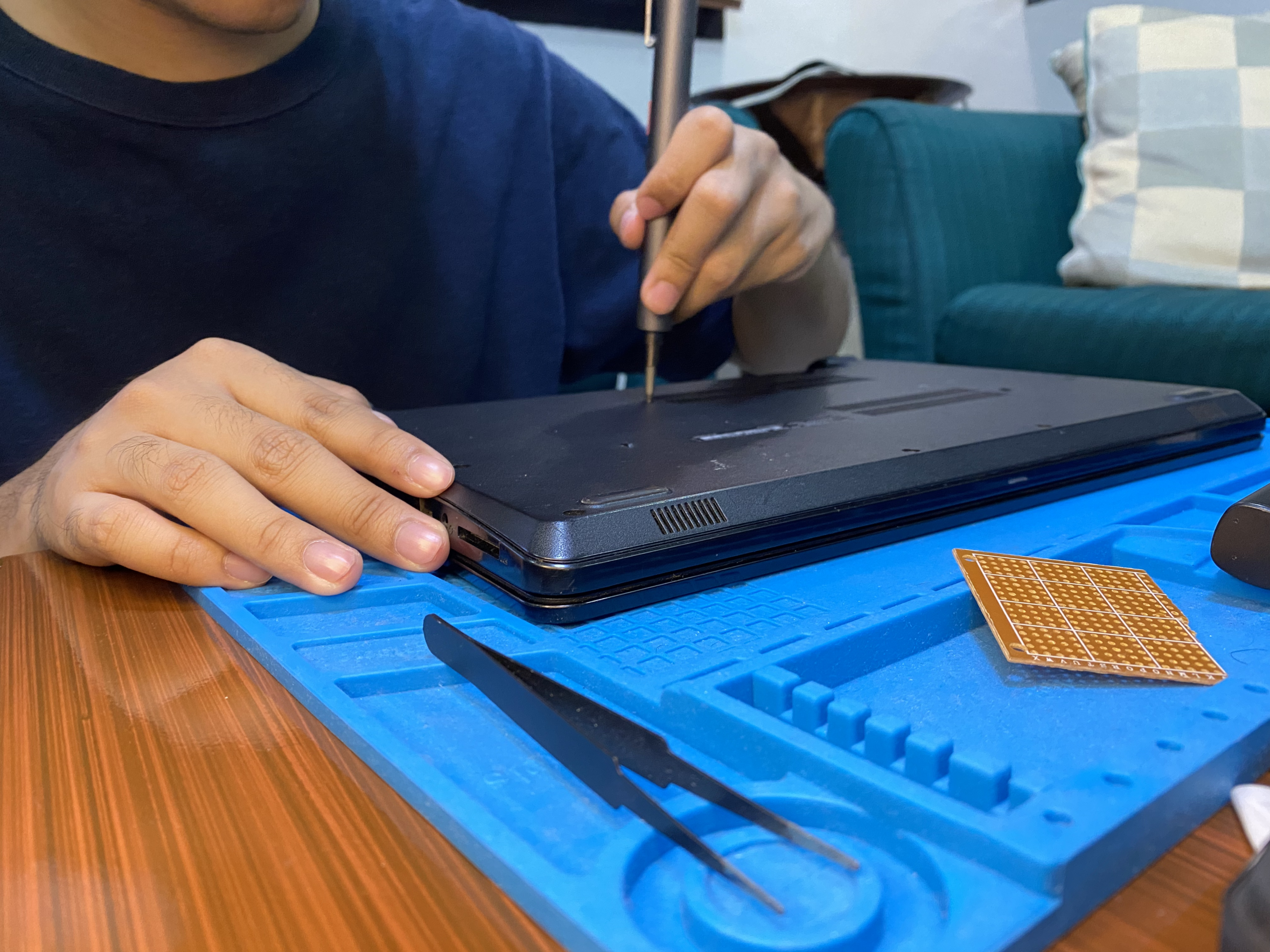
- Clean Interior
- Laptop screen repairs,
- Cracked screen repairs,
- Fan cooling system maintenance and dust removal,
- Broken screen replacements.
In the end, cleaning and maintaining your tech is the key to longer use and to avoid costly repairs! And not just that, but you will also enjoy smoother performance of your device, utilizing it to the best of its capabilities.